
Canva vs Asteris.ai for Instagram: Which One Gets Next Week's Posts Ready?
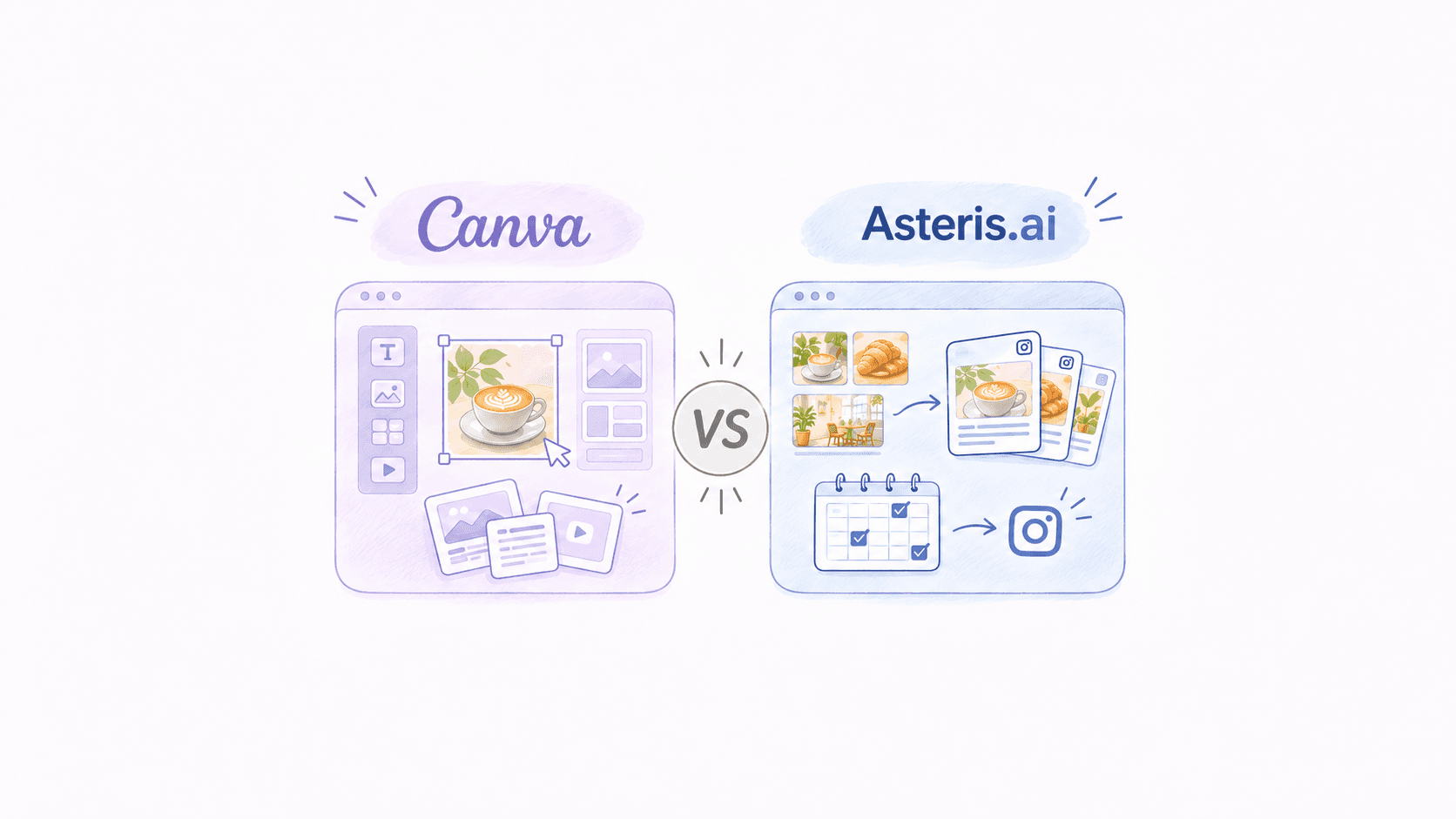
If you want to design individual Instagram posts, Canva is a strong choice. If you want to turn your business's existing photos and clips into a recurring posting plan, Asteris.ai is built around that workflow. Both provide AI creation tools and scheduling, but they organise the work differently.
A restaurant owner with 40 food photos on their phone has a different problem from a designer preparing a launch graphic. So does a salon owner with last week's client results, or a Shopify seller with a folder of product shots. Searching for the best Instagram content tool only becomes useful when you decide which part of that work you need to stop doing yourself.
Canva can do Instagram
Canva deserves more credit than the old description of a template editor suggests. You can upload your own photos, use AI to develop a design, write copy, create video, and schedule social content through its Content Planner. Its Brand Kit Builder can extract logos, colours, fonts, photography and even brand voice from a website or PDF, although Canva advises checking what it extracts. A small business can do a substantial amount of Instagram work without leaving the platform.12
Brand consistency is not a dividing line between these two products either. Canva's Brand Voice works with Magic Write, while its design tools draw on stored brand assets and templates, so a customer can make recognisably consistent posts without typing the same instructions every time. Magic Video can also assemble up to ten supplied photos or clips into a 60-second video with transitions and music. These are real capabilities, not workarounds, and they make Canva a sensible default for owners who enjoy shaping the final design.34
There are practical details to check before assuming every Instagram format is handled in exactly the same way. Canva's scheduling guidance specifies an Instagram Business account connected to a Facebook page, and its help pages describe format restrictions that can differ between direct sharing and scheduling. Its Content Planner also starts from designs you choose to schedule, which is useful once you have a batch of finished material. Whether that is enough depends on how reliably that batch gets made in the first place.25
Your photos need a job
Consider the camera roll of a busy café. It might contain a video of milk being poured, three shots of the day's pastries, a new lunch special and a photograph of the team preparing for opening. Those are not five ready-made posts, but they are five possible starting points for a story about what the café actually serves. Somebody still has to choose the media, decide what deserves a post, write something accurate and fit it into the week.
Asteris.ai is built around that earlier stage of the process. The platform analyses a business's uploaded photos and clips, identifies what they show, matches media with post ideas and prepares captions and hashtags using brand context drawn partly from the business website. Its planner then helps populate a posting calendar with drafts that can be refined and scheduled. That makes the media library a working source for the next set of Instagram posts, rather than a folder the owner must repeatedly search.6
This matters more than whether an AI tool can make a beautiful graphic from a prompt. A fashion boutique's own try-on video shows how a jacket fits, while a skincare brand's product photograph shows packaging a customer will recognise when the order arrives. A salon's before-and-after images can demonstrate work that a stock photograph never performed, provided the client has agreed to their use. The aim is to get more useful mileage from genuine material without pretending that every ordinary photo is suitable for publishing.
Instagram's direction also gives that choice some weight. Meta has described steps to favour original creators over accounts that mainly redistribute other people's work, while Buffer's recent review of Instagram ranking points to the importance of original material and format-specific engagement. Neither claim means every original restaurant photograph will perform well, and original media is no substitute for a reason to watch or save. It does mean businesses have a sensible reason to start with things they actually made, served or sold.78
Compare the Instagram work
A feature checklist can obscure what happens between Monday morning and a scheduled Friday post. Canva covers many of the same functions as a dedicated Instagram platform, but it puts a wide creative toolkit at the centre. Asteris.ai puts the business's media and posting routine at the centre. The table below focuses on the decisions a small team actually makes.
| Instagram task | Canva | Asteris.ai | Practical distinction |
|---|---|---|---|
| Getting started | Begin with a template, prompt, design or uploaded asset | Begin with your business context and uploaded photos or clips | Design-first versus media-and-plan-first |
| Using existing photos | Upload and incorporate them into AI-assisted designs or videos | Analyses subjects and matches media with suggested posts | Asteris.ai makes media matching part of the core workflow |
| Keeping branding consistent | Brand Kits, Brand Voice, templates and website-based extraction | Website-informed brand context used for captions and posts | Both address brand consistency |
| Captions and hashtags | Magic Write and editable social copy | Drafts copy from the chosen media and brand context | Asteris.ai ties the caption more directly to its media workflow |
| Making short videos | Magic Video, templates and a broad video editor | Builds and edits social videos from the business's own media | Canva offers greater creative breadth |
| Building the week | Content Planner schedules selected designs | AI Planner helps populate a recurring content calendar | Asteris.ai focuses more on preparing the next set of posts |
| Instagram publishing | Scheduling for supported Instagram account and post types | Scheduling and publishing to Instagram | Check current account and format support in both |
| Other marketing work | Presentations, flyers, websites and other social channels | Primarily Instagram content | Canva is substantially more versatile |
| Best fit | Someone who wants hands-on creative options | Someone whose main task is keeping Instagram active | Choose according to the work you do repeatedly |
Neither platform can know that yesterday's special has sold out unless the information it uses is current. A caption about a product benefit still needs to match the product, and a post about an appointment slot needs the correct date. The tools differ in how they assemble a draft, but the business remains the source of truth. That is a useful way to judge an AI content tool: count how often it asks you for information you have already supplied, and how often it assumes something you never said.
Try a normal posting week
Imagine a small hair salon aiming for four Instagram feed posts next week. It has photos of a colour appointment, a short clip of a stylist finishing a cut, pictures of two retail products and one empty slot it wants to fill. That is a plausible workload, but the assets do not tell you automatically what to post on which day. They also raise ordinary decisions about consent, timing and whether the same client result should be used twice.
In Canva, the owner could start with a branded before-and-after design, turn the styling clip into a short video and create a product graphic for the retail range. Canva's tools are particularly helpful if the owner wants specific layouts, text treatments, transitions and variations for Stories, flyers or the salon window. The owner would then put the completed designs into Content Planner, add the right captions and schedule whatever formats their connected account supports. It is a solid workflow, especially when the owner wants to spend time on the look of each piece.24
With Asteris.ai, the natural starting point is to load the salon's approved photographs and clips, then use its media understanding and planner to shape a mix of posts around those assets. The platform can propose captions and draft posts, including video assembled from uploaded media, and place work into a weekly calendar for further changes and scheduling. A post about this week's available appointment still needs accurate availability entered or edited by the salon. The advantage to test is whether the owner spends less time selecting, briefing and assembling posts, rather than whether an individual design contains more effects.6
An ecommerce shop can run the same comparison with a new product launch, and a restaurant can do it with a specials board and kitchen footage. For a product brand, the useful sequence might be a close-up, a demonstration, a customer-use shot and a reminder before the weekend. For a restaurant, it might be a dish photograph, a preparation clip, a drinks feature and a weekend booking prompt. These are planning examples, not a formula promising four high-performing posts every week.
Buffer's analysis of more than two million Instagram posts suggests three to five weekly feed posts is a workable range for many accounts, with meaningful differences in reach compared with posting once or twice. That analysis describes patterns across accounts, not guaranteed results for an individual salon, restaurant or shop. If four good posts require six hours of admin, the suggested cadence will be difficult to maintain alongside paid work. A practical tool should make a realistic weekly rhythm easier, without pressuring the business to post material it would otherwise leave out.9
Count the hidden minutes
Subscription prices are easy to compare because they sit on a pricing page. The time spent finding an image, writing a credible caption, resizing a design, checking the crop and deciding what comes next is less visible. That time still has a cost when the person doing it also handles customers, stock, bookings or orders. For an owner buying an Instagram tool, the fair comparison is the cost of getting a useful week's posts published, not the price of opening an editor.
Canva's breadth can be excellent value when those other design jobs are part of the same week. A bakery making Instagram posts, printed menus, gift-voucher graphics and event posters may genuinely get more use from Canva than from a specialised platform. A founder who already has a clear content calendar and enjoys arranging images may also find Canva faster because the decisions have been made elsewhere. Asteris.ai is worth a closer look when the calendar is regularly empty even though the business has plenty of photographs to work with.
Run a fair trial with the same twelve photos and three short clips in each product. Set a concrete brief: prepare four Instagram posts, including at least one video, with accurate captions and a sensible mix of topics. Track how long you spend choosing media, correcting drafts, adjusting designs and scheduling, and record which output you would genuinely publish. Repeat the exercise the following week, because a great first session means little if producing the next batch is still a chore.
Also check what your chosen plan actually includes. Canva's social scheduling is tied to eligible paid plans, and the formats supported through its Instagram connection need confirming against current help guidance. Asteris.ai offers a free entry point and paid AI quotas, so the number and type of posts you can generate matters as much as the advertised monthly fee. If you rely heavily on Reels or carousels, test those exact publishing steps rather than assuming support for every format.256
Buy for the second week
The clearest winner depends on what you find yourself doing every Tuesday. If you enjoy opening a design, trying layouts and producing assets for more than Instagram, Canva is the more capable creative workspace. If you mostly want a small batch of real business photos to become suitable captions, videos and scheduled posts, the narrower workflow of Asteris.ai's Instagram content platform may be more valuable. Neither tool should be judged by the most impressive demo it can produce in five minutes.
A business also needs enough fresh, usable source material to make either approach worthwhile. A restaurant can photograph a new dish during preparation, a boutique can film an outfit being worn and a salon can capture a finished style with permission. Those small habits give AI tools something specific to work with, instead of asking them to invent the business's week. The software should help that material travel further, not make every account look like it bought the same template pack.
Pick the tool that gets a second week's posts ready without a fresh scramble. A polished launch graphic matters, but so does having something relevant to publish when Thursday arrives and the shop is busy. For a small business searching specifically for an Instagram content tool, that repeatability is a much better buying test than the number of AI features on the product page.
Sources
Footnotes
Canva's website and PDF Brand Kit Builder, Canva Help Centre↩
Content Planner workflow and eligible plans, Canva Help Centre↩↩2↩3↩4
Brand Voice and Magic Write, Canva Help Centre↩
Magic Video from uploaded photos and clips, Canva Help Centre↩↩2
Instagram account and scheduling requirements, Canva Help Centre↩↩2
Asteris.ai's upload, planning and publishing workflow for product businesses, Asteris.ai↩↩2↩3
Instagram recommendations favouring original creators, Social Media Today↩